Vs Code Ai Agent
VS Code AI agent
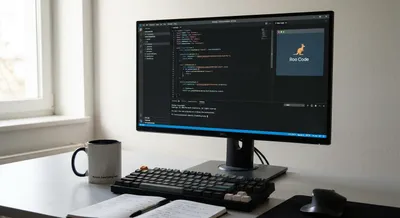
Roo Code: A Claude-Powered Dev Agent Inside VS Code
This article unpacks Roo Code’s capabilities – from editing multiple files at once to running your test suite in the terminal – and shows how it can...
Vs Code Ai Agent
A VS Code AI agent is a smart assistant built into the Visual Studio Code editor that helps with writing and managing software. It can offer suggestions while you type, generate code snippets, explain functions, and help refactor or test code without leaving the editor. These assistants often understand the project you are working on, so their suggestions can be tailored to your files and settings. They work by connecting the editor to machine learning models that have been trained on lots of programming examples. Having this kind of assistant matters because it speeds up repetitive tasks, reduces simple errors, and lowers the time needed to learn new libraries or languages. For beginners, it can act like an on-demand mentor that explains concepts and suggests best practices. For experienced developers, it can automate routine refactors and help explore unfamiliar code faster. But these agents are not perfect: they can make incorrect suggestions, reveal sensitive data if misconfigured, or give overly confident answers. Good workflow design, careful review of generated code, and proper privacy settings help get the benefits while avoiding problems. When used thoughtfully, a VS Code AI assistant becomes a powerful tool that boosts productivity and helps teams move faster.
Get New AI Coding Research & Podcast Episodes
Subscribe to receive new research updates and podcast episodes about AI coding tools, AI app builders, no-code tools, vibe coding, and building online products with AI.