Roo Code
Roo Code
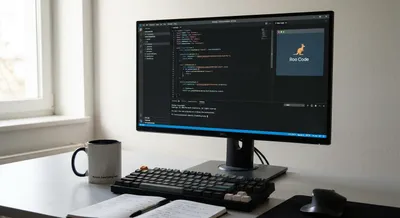
Roo Code: A Claude-Powered Dev Agent Inside VS Code
This article unpacks Roo Code’s capabilities – from editing multiple files at once to running your test suite in the terminal – and shows how it can...
Roo Code
Roo Code is an AI-powered helper built to work inside a programmer's code editor. It listens to plain-language requests and can produce or change code, suggest fixes, explain existing code, and help run or test small pieces. Instead of hunting for answers in web search results, you can ask it to generate a function, refactor a snippet, or write unit tests right where you are editing. It often connects to your local files and development tools so its suggestions fit the project structure and style. Using this type of assistant can speed up repetitive work and make complex changes safer by proposing consistent edits. It can also act as a learning companion, offering explanations and examples when you want to understand a library or pattern. Because it interacts with your codebase, you should check and test any generated output before committing it. Privacy and access controls matter: the tool may need permission to read files or call external services, so review its settings and logs. Like any automated helper, it can make mistakes or miss context, so treat its suggestions as starting points rather than final answers.
Get New AI Coding Research & Podcast Episodes
Subscribe to receive new research updates and podcast episodes about AI coding tools, AI app builders, no-code tools, vibe coding, and building online products with AI.